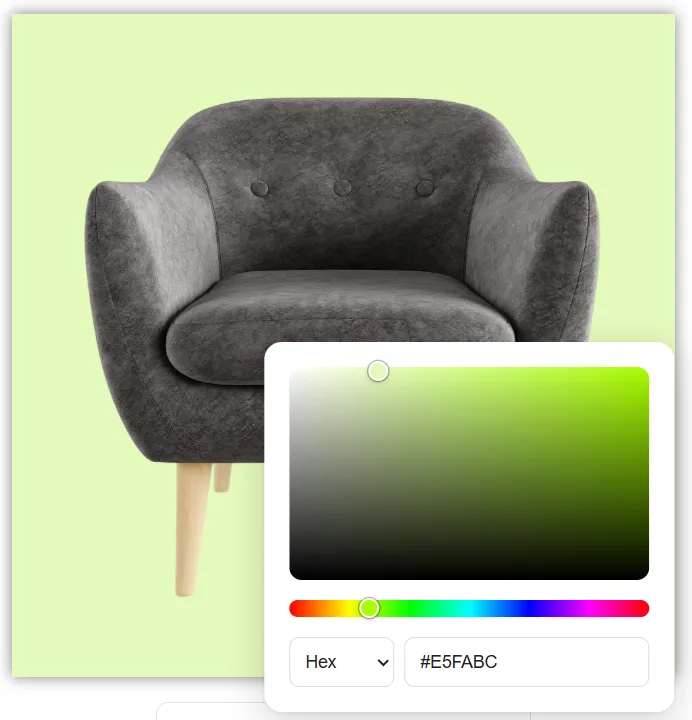
Choose any background color
Choose from 18 colors or enter any Hex, RGB or HSL value.
 Make Image Transparent

Remove the background from any image and get a full-resolution transparent PNG in about 5 seconds. Free, no sign-up, no watermark.
or drop / paste (Ctrl+V / ⌘V)
By uploading, you agree to the Terms and Privacy Policy.
~5 sec
Average processing time
25
Images in one batch
100%
Full resolution
Select, drop or paste a JPG, PNG or WebP. Add up to 25 images at once.
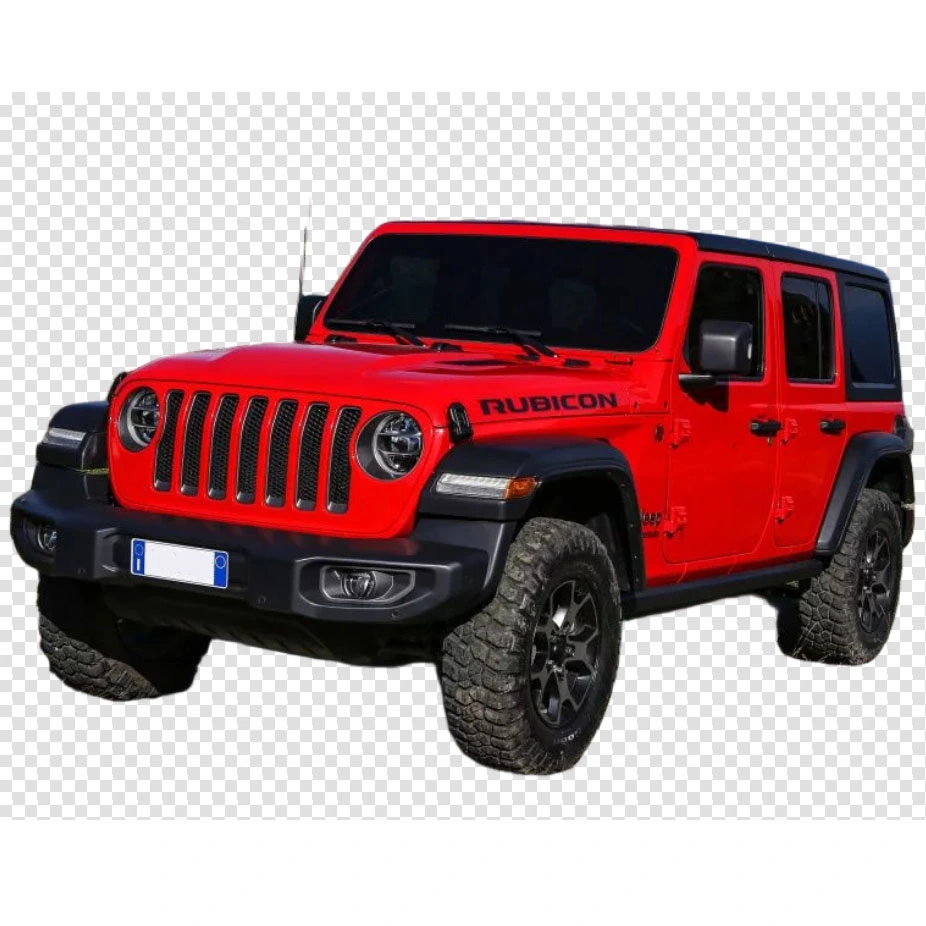
It starts on its own and refines the edges. A checkerboard shows what is now transparent.
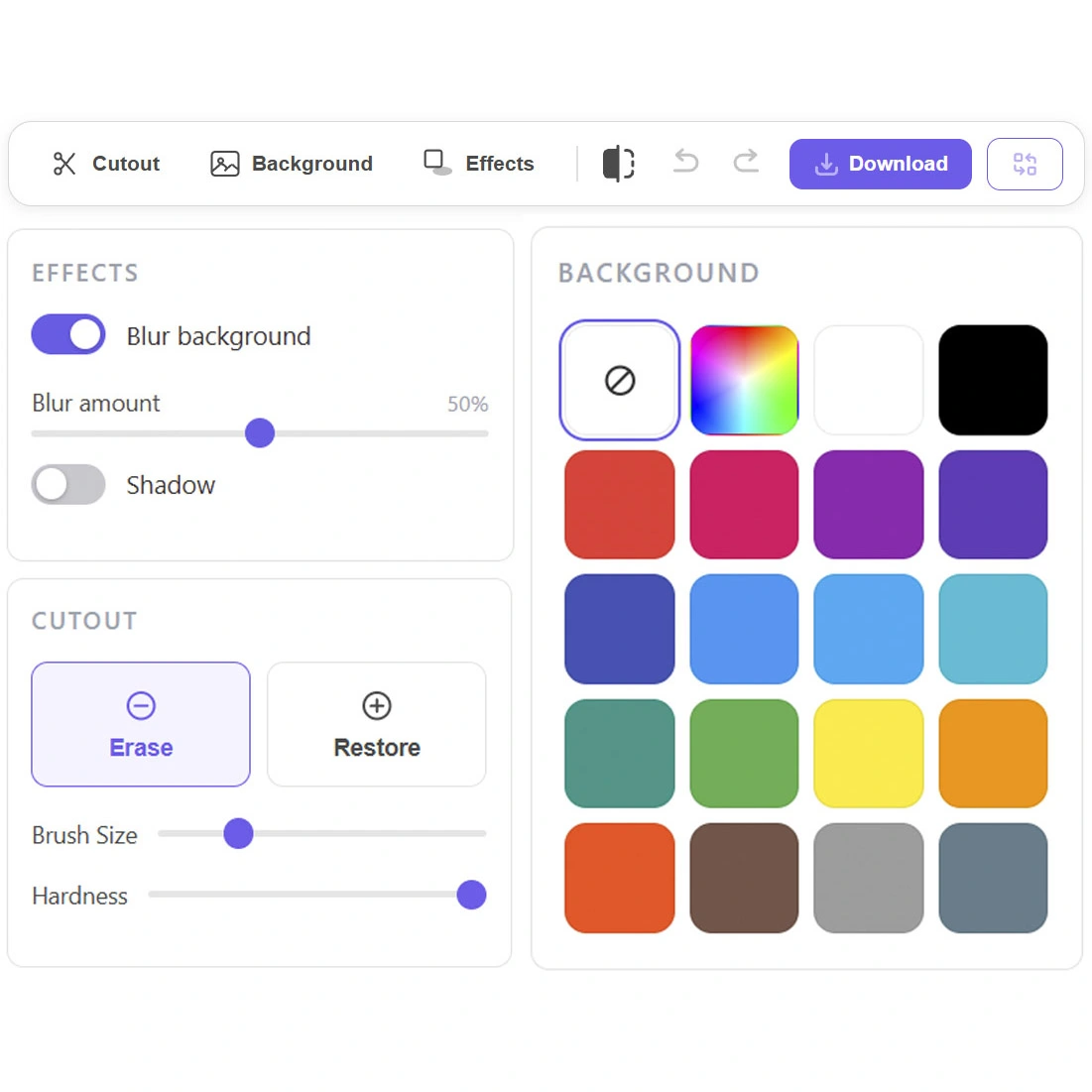
You get the full-resolution file. Need a white background or a shadow? Add it before you download.
Choose from 18 colors or enter any Hex, RGB or HSL value.
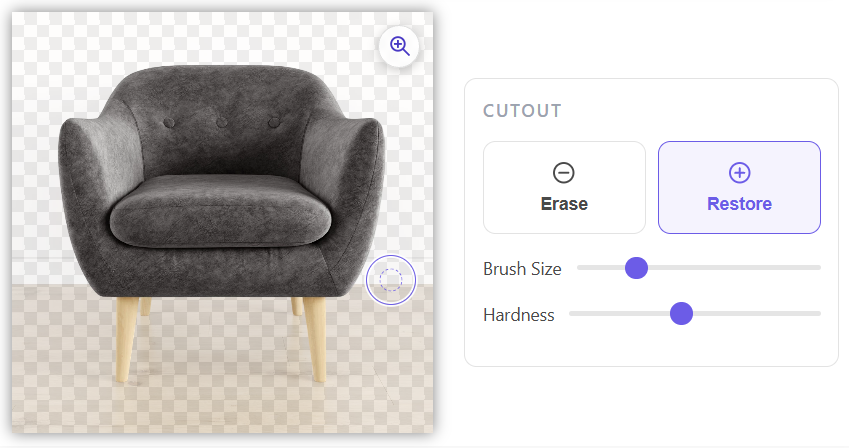
If the AI misses a strand of hair or leaves a patch of background, use Erase and Restore to correct it.
Add a shadow or blur the original background.
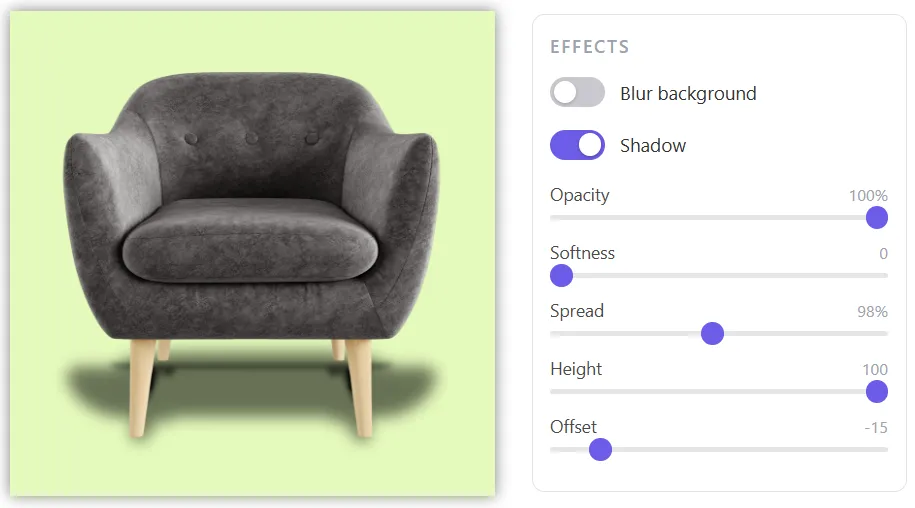
Your download is the same size as the original. Check it at pixel level with zoom before you save.
Open the page and start. No account, no email, no credits.
Process up to 25 at once, set one background for all with Apply to all images, and download everything as one ZIP.
Everything works in your browser.
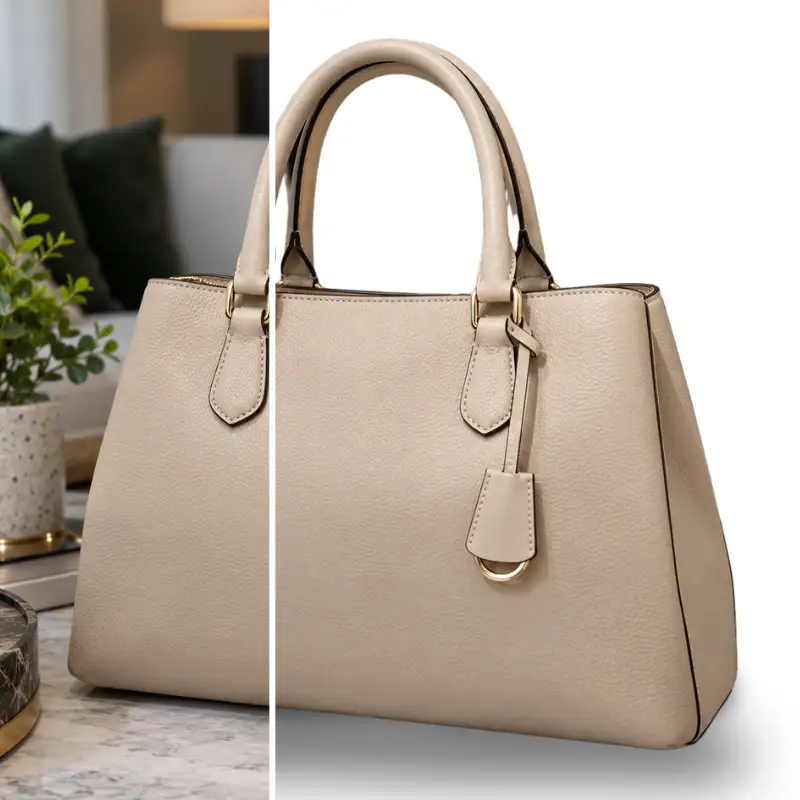
Put every item on a clean white background, add a soft shadow and get listing-ready images for your store.
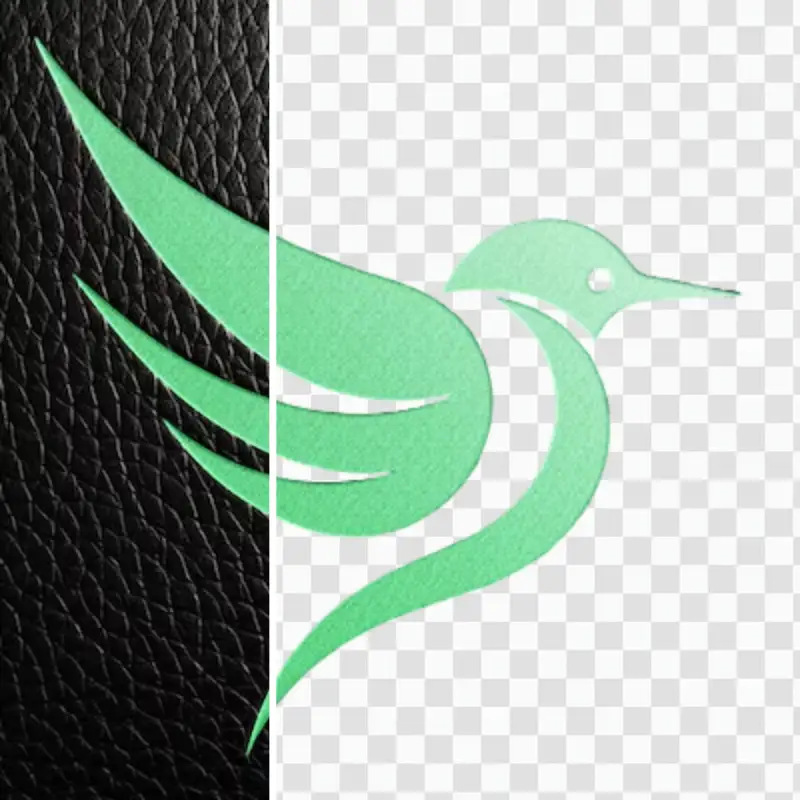
Get a transparent PNG you can drop onto slides, a website or any design.

Swap a busy background for a solid color. Enter your brand's Hex code to match.
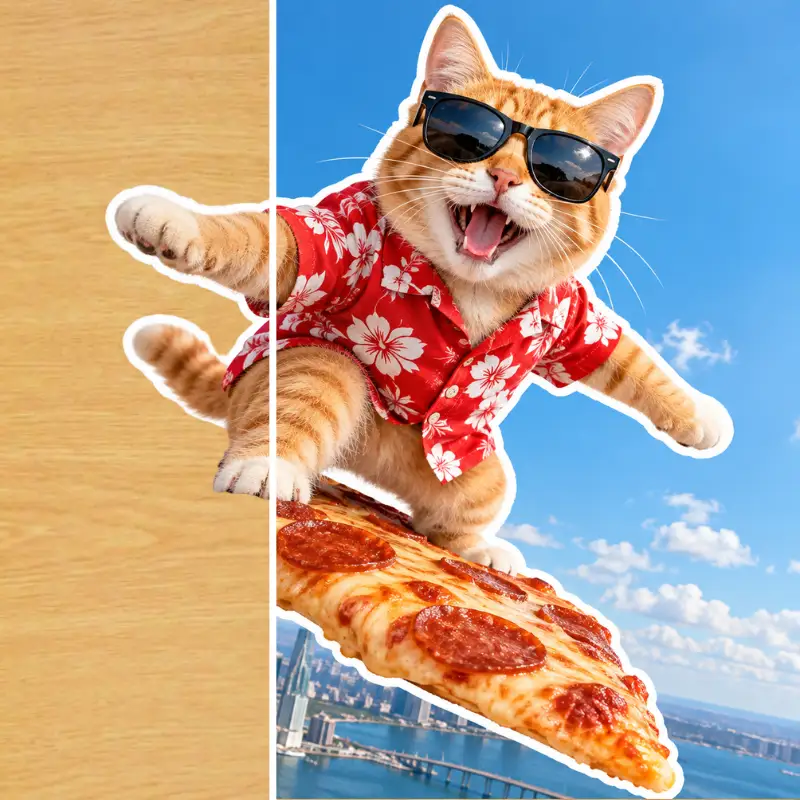
Cut out a person or object and place it anywhere. Fine-tune the edges with a brush.
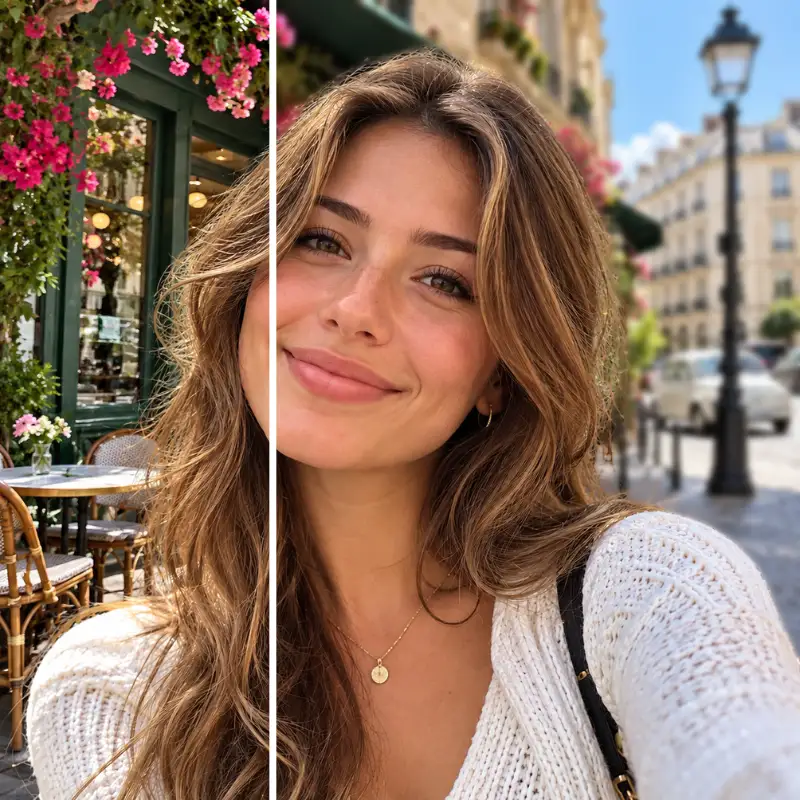
Keep the background but blur it for a portrait-mode look.
Yes. You can make image transparent online without paying, signing up or getting a watermark. Just upload and download.
Yes. The preview on screen is scaled down, but the file you download is full resolution. Zoom in to check the edges pixel by pixel first.
No account or email needed. You keep all rights to your images and the results.
Open Cutout and use Restore to bring back what was removed, or Erase to clean up leftover background. Hold Compare with original to see the source image on top of the result.
Yes, up to 25 per upload. They process one after another, and you can add more while the queue runs. Download them one by one or all together as a ZIP.
JPG, PNG and WebP, up to 15 MB and from 25 to 15,000 px per side. You can make PNG transparent too, even one that already has some transparency. The result is always a transparent PNG.
Yes. Pick white, one of 18 preset colors or any Hex, RGB or HSL value. You can also add a shadow or blur the original background. Replacing the background with another photo isn't supported.
No. Everything works in your browser. The optional Chrome extension adds a right-click shortcut for images on other websites.
Drop your images and download full-resolution transparent PNGs in about 5 seconds.
or drop / paste (Ctrl+V / ⌘V)
Free. No sign-up required.
Right-click an image on any website and choose "Remove background from this image". It opens in Make Image Transparent and processing starts right away. No need to save the file first.
Free. Optional: the website works without it.